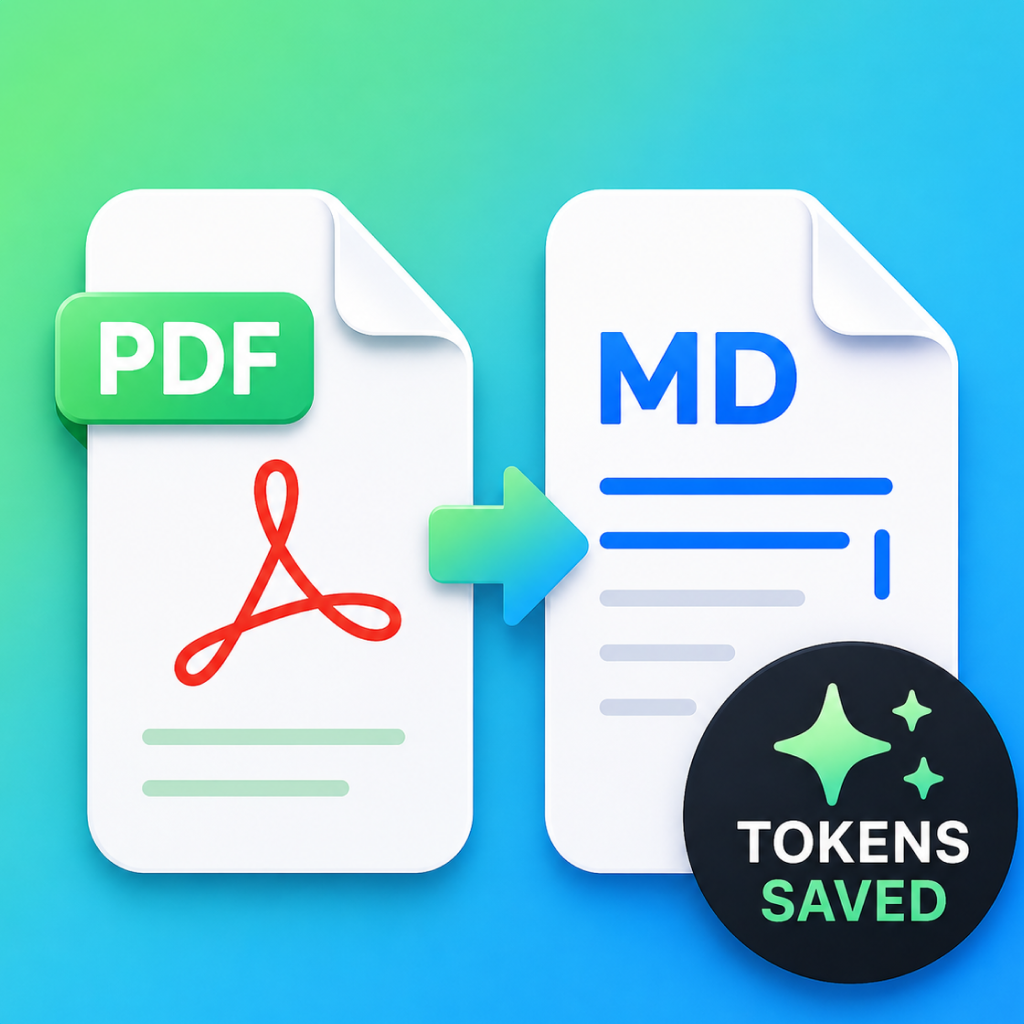
Utilities — PDF to Markdown Converter / iOS & Android
PDF2MD: PDF to Markdown
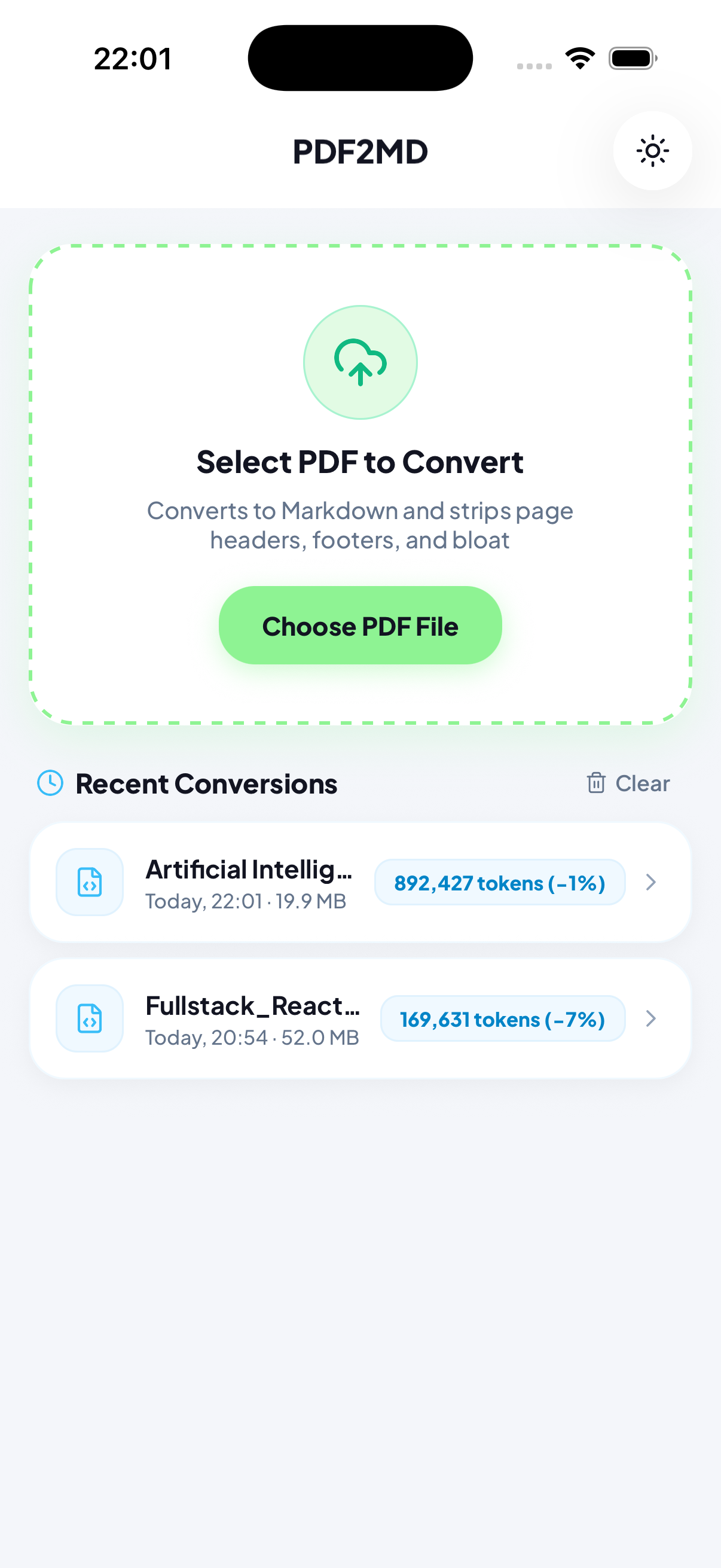
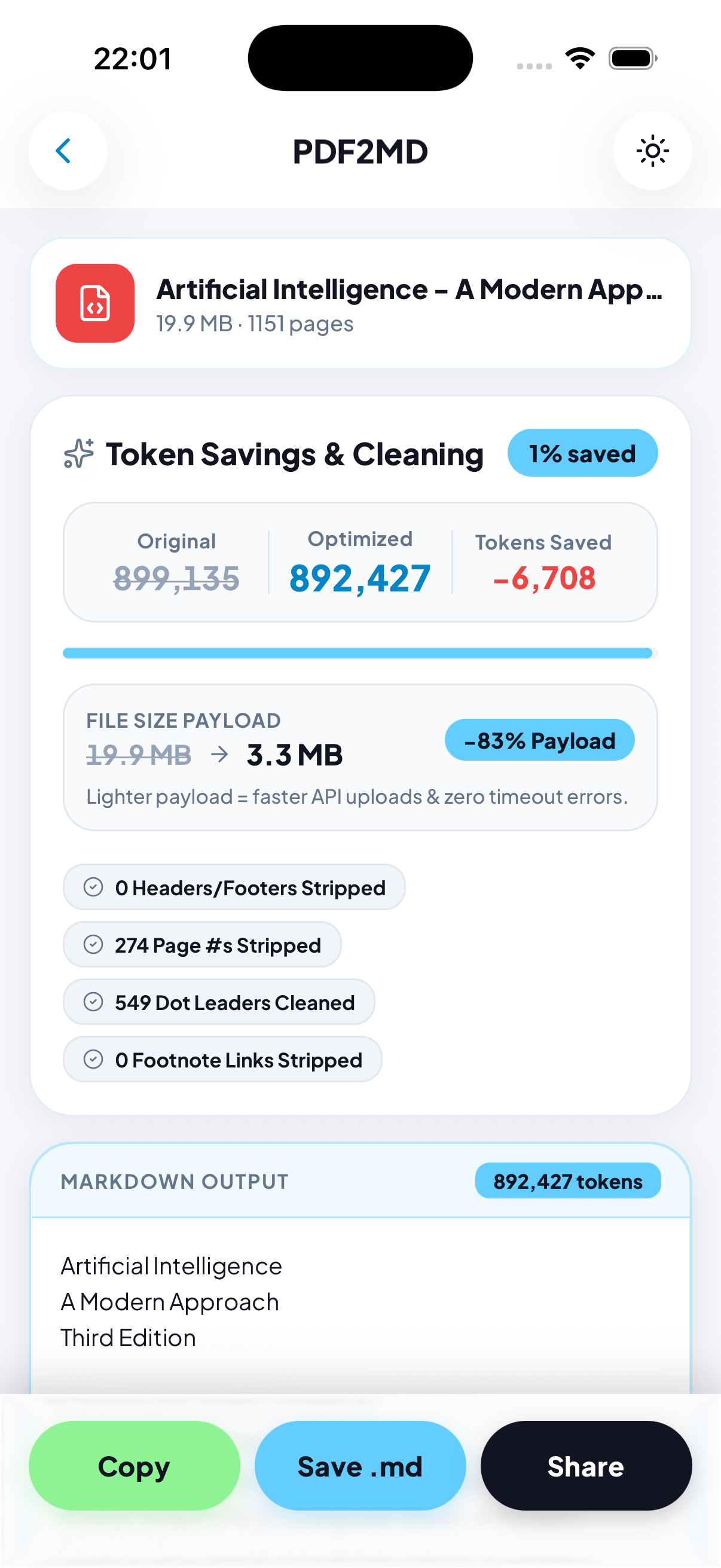
Convert PDFs to clean Markdown and cut AI token costs by up to 50%! Strip headers, footers, and bloat for faster, cheaper prompts in ChatGPT, Claude, Gemini & DeepSeek. 100% private, on-device processing. Copy, save .md, or share instantly.
PDF2MD: PDF to MarkdownMade for iOS & Android
A little more about us
Who is PDF2MD: PDF to Markdown for?
PDF2MD is for developers, researchers, students, writers, and knowledge workers who want clean Markdown from PDF documents. It removes document clutter so content is easier to use in notes, documentation, publishing, and AI workflows.
The details that matter
What you can do with PDF2MD: PDF to Markdown
Instant PDF-to-Markdown conversion
Smart cleanup for headers, footers, page numbers, and extra line breaks
Smaller document payloads for AI prompts
Private, on-device PDF text extraction
Copy, save, and share Markdown files
Local conversion history and character-savings statistics
Light Mode, Dark Mode, and automatic system theme support
Getting started
How it works
Open a PDF from your device, Files app, or Share Sheet
Convert the document into clean Markdown
Automatically remove repetitive layout clutter
Copy the Markdown, save it as an .md file, or share it to another app
Return to conversion history to access recent files and savings statistics
Good to know
A few questions,
answered.
PDF2MD converts PDF documents into clean Markdown, making text easier to use in note-taking apps, technical documentation, publishing, and AI workflows.
PDF2MD removes repetitive headers, footers, standalone page numbers, dot leaders, and unnecessary line breaks to create cleaner Markdown output.
Yes. By removing PDF layout clutter and converting content into compact Markdown, PDF2MD can reduce a document’s text payload by up to 50% without removing essential content.
No. PDF text extraction and conversion happen locally on your device using native iOS frameworks. Your documents are not uploaded to external servers.
Yes. PDF2MD works on-device, so you can convert supported PDFs without an internet connection.
You can copy the converted Markdown to the clipboard, save it as an .md file, or share it with notes, code, writing, and other compatible apps.